Caplena is an AI-powered text analysis platform designed to help research, CX, and insights teams analyze open-ended customer feedback.
By generating initial codeframes and grouping responses into themes, the platform helps researchers move from raw open-text responses to structured insights more efficiently. Caplena also offers a well-developed set of visualization tools that make it easier to explore patterns in qualitative data, compare themes across responses, and summarize feedback for reporting. These capabilities have made it a strong and widely recognized player in the AI-powered text analysis space for research and insights teams.
However, while Caplena offers useful capabilities for organizing qualitative data, many research teams begin exploring alternatives when they encounter limitations such as codeframes that require significant manual refinement, workflows that can feel technical or complex, and challenges scaling analysis across larger datasets.
In this guide, we’ll explores the top Caplena alternatives and what each platform offers for analyzing open-ended survey responses and customer feedback.
Why Market Researchers Explore Caplena Alternatives
Several workflow challenges lead research teams to look for alternatives to Caplena, including the following.
1. Significant manual work required to generate and refine code frames
AI-generated code frames in Caplena often require significant up-front cleanup before they are ready for analysis.
Researchers frequently need to manually merge, rename, and reorganize categories so the coding structure reflects the dataset accurately. This additional work slows down project timelines, reduces team productivity, and makes it harder to scale analysis when working with large volumes of responses.
Here’s what one reviewer had to say:
“It struggles in generating initial codes and requires quite a bit of input to refine those codes. The initial codes it generates are quite generic and not very helpful.”
Source: G2
2. Low coding coverage increases the time required to analyze responses
In many cases, 20%-40% of responses are not automatically classified, which means researchers must manually review and code a significant portion of the dataset.
Domain-specific jargon, acronyms, and technical phrasing are not always interpreted correctly by the automated AI coding system, leading to gaps in classification. As a result, teams often need to invest time in manual adjustments and reviews to train the model to improve coverage, which adds time and creates bottlenecks during the analysis process.
As one customer said:
“Niche industry-specific terms sometimes require manual adjustments for more accurate categorization.”
Source: G2
3. A non-intuitive interface creates friction for researchers
While Caplena includes a wide range of features for coding and analyzing qualitative data, some users report that the interface can be difficult to navigate.
Researchers may spend additional time locating tools, navigating dashboards, or reviewing responses during analysis. This added friction can slow down workflows, especially when teams need to move quickly from raw feedback to clear insights.
Here’s what one user had to say:
“It would be great if it is more user friendly. As for now, the topics still appear truncated when we are reviewing the rows.”
Source: G2
Searching for a faster, easier Caplena alternative? See how Blix analyzes open-ended feedback and delivers insights in minutes.
Top Caplena Alternatives
1. Blix — #1 Caplena Alternative
Blix is a native AI platform built specifically for market researchers and insight teams to perform open-ended text analysis, offering human-level coding designed to interpret responses with minimal manual workload.
Pros
- Human-grade analysis – Automated AI coding that captures the meaning and nuance of responses, with quality similar to human coding.
- Fast analysis at scale – Coding is completed in minutes with minimal manual work required.
- Simple, intuitive interface – Makes analyzing open-ended feedback easy for research teams.
Cons
- Does not integrate directly with support ticket systems
- Limited visualization options
Here’s what customers are saying:
“We can now confidently ask open-ended questions. What once felt overwhelming now feels exciting, like Christmas morning! And our clients LOVE the insights!"
Source: Matt Hussey, Founder of Generosity X
“Our clients are over the moon with the insights we've been able to pull out thanks to Blix. We couldn't be happier!”
Source: Moa Wirde, Project Manager, Convosphere
2. Qualtrics TextIQ
Qualtrics is an enterprise experience management platform that includes survey deployment, analytics, and AI-powered text analysis through its Text iQ feature.
Pros
- All-in-one survey and insights platform
- Convenient for teams already running surveys within Qualtrics
- Strong reporting capabilities for enterprise environments
Cons
- Steep learning curve
- Low quality of text analysis - based on older tech before GenAI
- Less intuitive for new or smaller research teams
- High cost, often better suited for enterprise budgets
- Text analysis is part of a broader suite rather than a specialized open-ended solution
Here’s what customers say:
“Qualtrics provides deep insights into customer feedback with strong analytics and reporting capabilities.”
Source: G2
“The interface can also feel overwhelming for new users, with multiple tools and configuration options that are not always intuitive.”
Source: G2
3. Chattermill
Chattermill is a customer feedback analytics platform focused on aggregating and analyzing customer feedback data across multiple channels.
Pros
- Strong dashboards for identifying trends
- Lots of integrations to data sources
- Built for ongoing customer feedback tracking
Cons
- Interface can feel clunky
- Sentiment algorithm may lack precision
- Data accuracy can vary depending on input complexity
- Enterprise price tag, not friendly for smaller teams
What reviewers mention:
“It's extremely easy to filter feedback based on keywords.”
Source: G2
“It can still feel a bit clunky to find really specific feedback, especially when you’re hunting for niche themes.”
Source: G2
4. Thematic
Thematic is a feedback analytics platform that helps teams automatically categorize and summarize open-ended responses to uncover recurring themes.
Pros
- Strong summary breakdowns of qualitative data
- Lots of integrations to data sources
- Automated theme generation
Cons
- Theme generation may require refinement to better reflect customer sentiment
- Initial setup can feel complex
- Requires manual adjustments to optimize code structure
- Enterprise price tag, not friendly for smaller teams
Here’s what customers say:
“It does an excellent job using a single view to break down the verbatims into themes displayed by volume, sentiment and impact on our beacon metric, often but not exclusively NPS.”
Source: G2
“It’s a bit challenging for the initial setup. There are many ways to look at data and establishing your primary themes can be a bit challenging.”
Source: G2
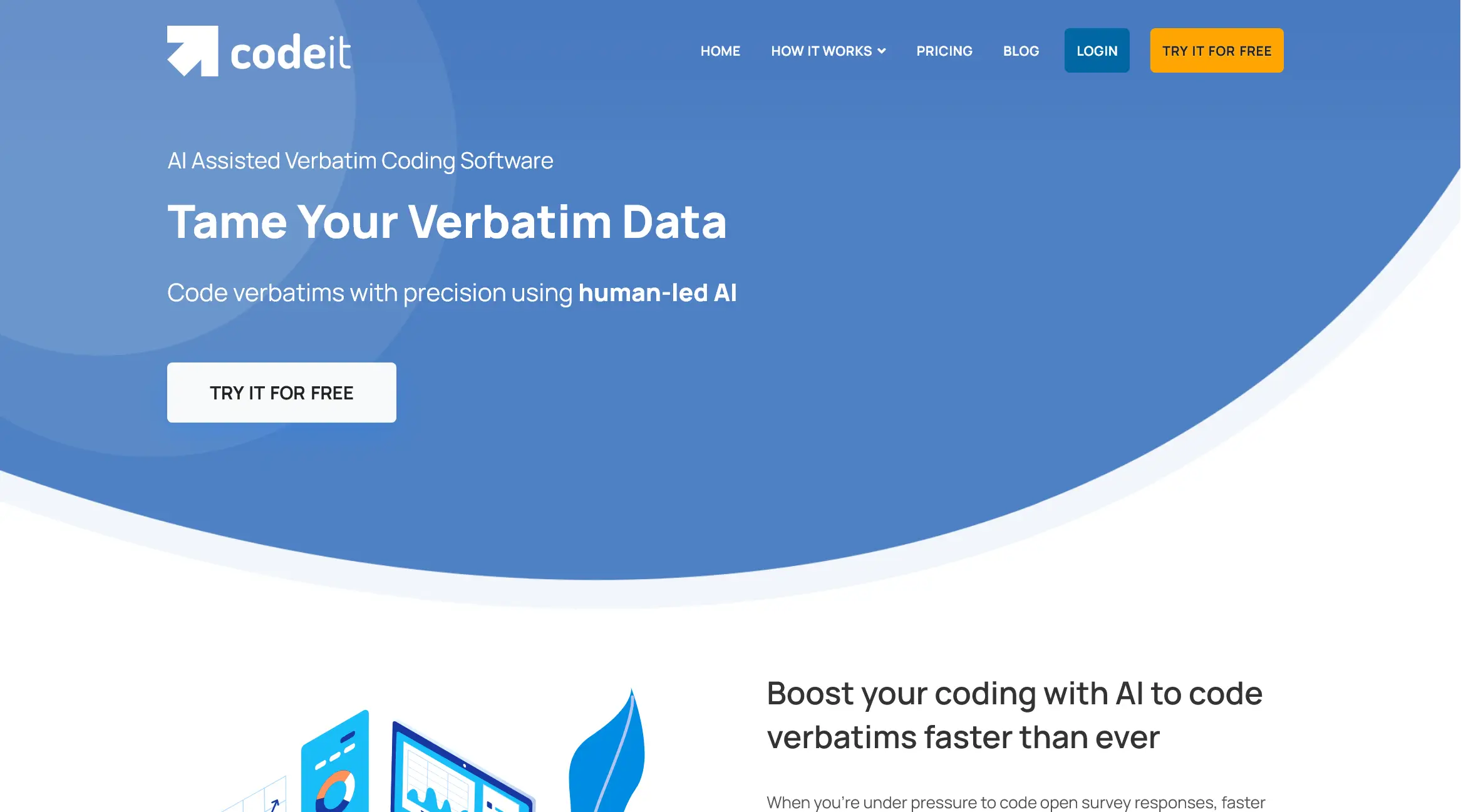
5. Codeit
Codeit is a qualitative analysis platform that supports manual coding and integrates with survey and research tools.
Pros
- Flexible for teams that rely on manual coding workflows
- Includes integrations with common research and survey platforms
Cons
- Heavy reliance on manual coding processes
- Complicated interface with a steep learning curve
- Automated coding relies on keyword matching, which can reduce coding accuracy
What reviewers say:
“The analysis dashboard makes it easy to see how much of your data has been coded and analyzed and gives you an in-depth analysis of specific themes and codes.”
Source: Cascade Insights
“UI elements are sometimes moving around a bit.”
Source: Cascade Insights
6. Ascribe
Ascribe is a verbatim coding platform used in market research to analyze open-ended survey responses through structured codeframes and manual coding workflows.
Pros
- Built for coding open-ended survey responses in market research
- Supports structured codeframes for detailed qualitative analysis
Cons
- Outdated, not user-friendly interface
- Steep learning curve for new users
- Requires significant manual coding and setup
Here’s what reviewers say:
“Easiest way to collate qualitative data. The ability to create your code frame while continually analysing is good.”
Source: G2
“Traditional interface, not great UI/UX. Many clicks to view the original verbatim.”
Source: G2
7. Canvs
Canvs is a text analytics platform that helps insights and research teams understand the voice of their customers by analyzing open-ended feedback.
Pros
- Customizable analysis using rules, codes, and nets
- Automated coding helps teams analyze feedback faster
Cons
- Limited filtering capabilities during analysis
- AI can produce incorrect or inconsistent codes
- Users report occasional bugs and reliability issues
Here’s what customers say:
“What I like best about Canvs AI is that it's able to analyze open-ended survey responses at a fast speed.”
Source: G2
“Canvs has a lot of room to grow in terms of its coding of individual open-ends. Aside from the actual codes themselves sometimes not making sense and being mis-coded, Canvs often incorrectly tags emotions.”
Source: G2
8. Displayr
Displayr is an analytics platform that combines AI-powered text analysis with advanced statistical tools such as MaxDiff and conjoint analysis.
Pros
- Strong data visualization tools for presenting research findings
- Feature-rich platform with advanced statistical analysis capabilities
Cons
- Complicated user interface that can be difficult to navigate
- Can run slowly when working with large datasets
- Many features may be overwhelming for new users
What reviewers say:
“It offers really interesting data visualization tools.”
Source: G2
“I have been using statistical software and survey data analysis tools for ~15 years, and Displayr has been the hardest to learn (by far).”
Source: G2
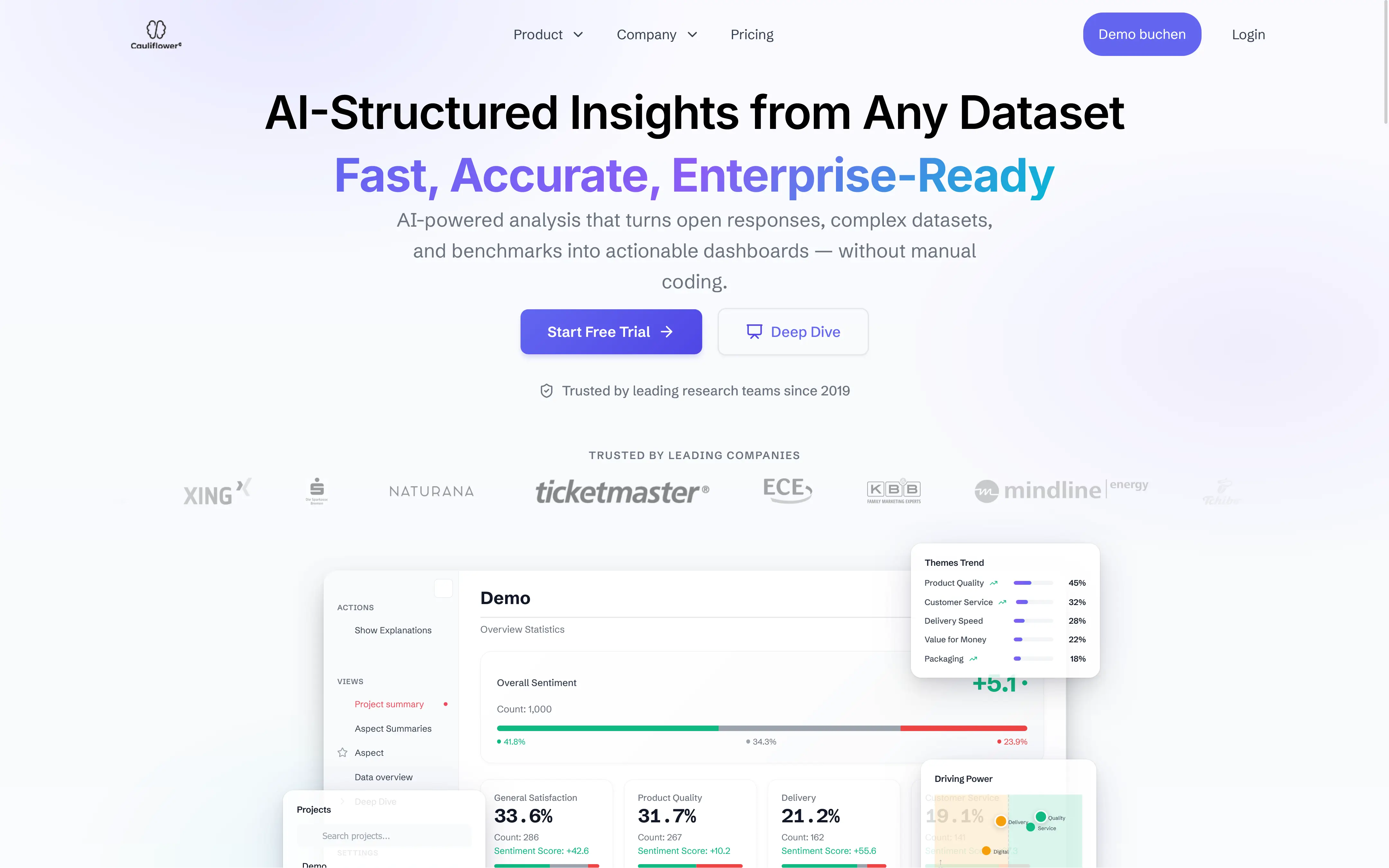
9. Cauliflower
Cauliflower is an AI-driven text analytics platform that focuses on automated topic detection and organizing open-ended feedback into structured themes.
Pros
- Automated topic detection
- Clean dashboards for reviewing themes
Cons
- Outdated text analysis tech that requires lots of manual work
- Interface can be challenging and takes time to understand
- Manual adjustments are often necessary to refine outputs
- Occasional small bugs reported
What customers are saying:
“I really like the ability of the tool to automatically identify topics and related associations and sentiments.”
Source: G2
“In some cases manual adjustments are necessary.”
Source: Capterra
Side-by-Side Feature Comparison
Here’s how the leading Caplena alternatives compare across key text analysis features.
Choosing the Best Caplena Alternative for Your Team
Caplena is a strong platform for automated open-ended text analysis and visual reporting, but many research teams find that significant manual refinement is still needed before insights are ready. With additional challenges such as a complicated interface and difficulty interpreting nuanced responses, many teams begin exploring alternative text analysis platforms.
If speed, minimal manual setup, and research-ready coding are priorities, your team has several options.
Blix is a strong overall alternative, offering fast, human-level insights with little setup optimzied for market research and insights teams.
Teams that need to aggregate feedback from multiple channels may also consider Chattermill, while Canvs can be worth exploring for projects focused on advanced emotion analysis.
Choosing the right platform ultimately comes down to how well it fits your team’s workflow, data sources, and analysis needs.
Try Blix for quick & easy text analysis