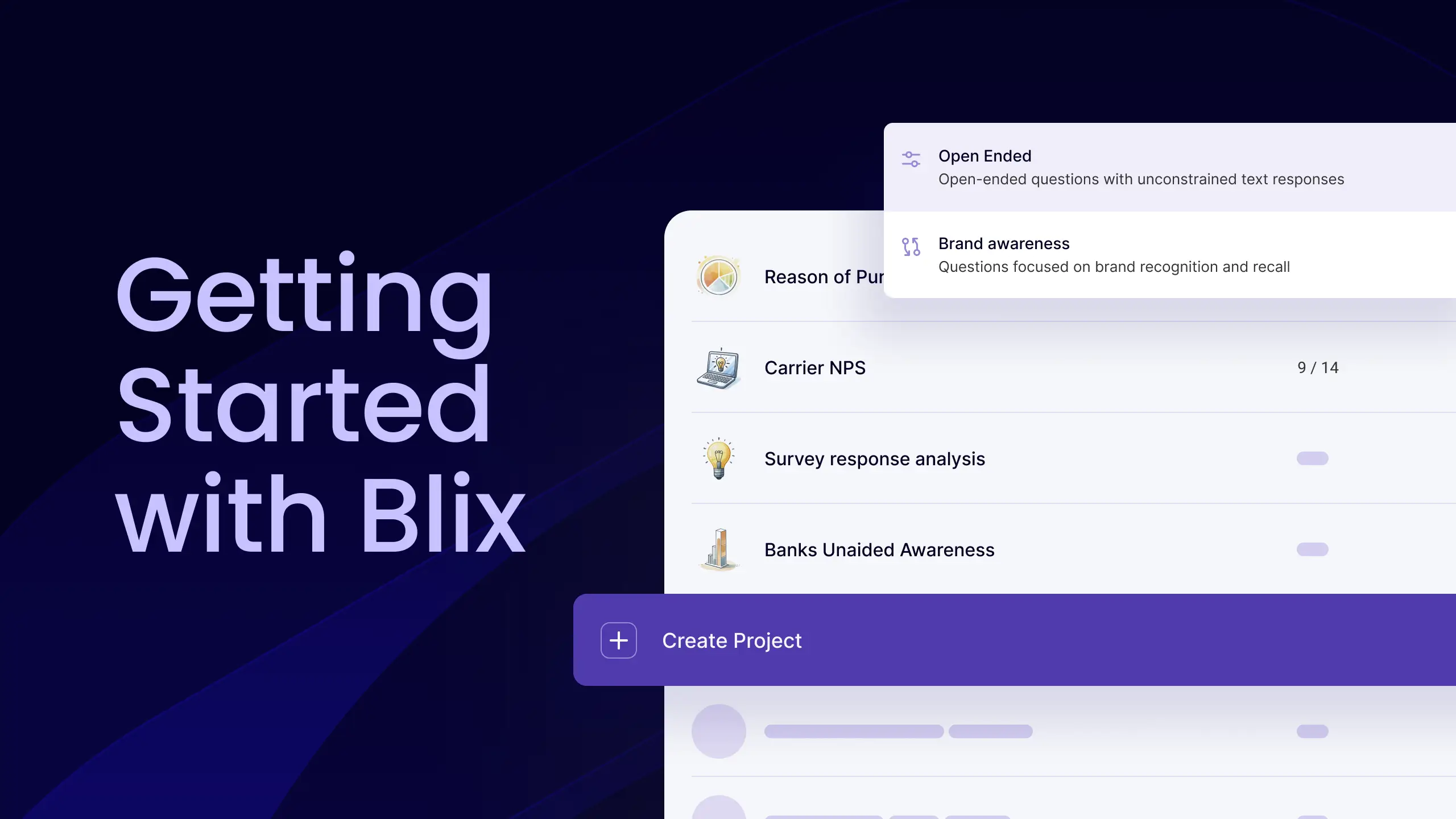
Quickly upload your dataset, effortlessly code open-ended survey responses with generative AI, fine-tune your codebook, and export your results to Excel or other platforms.
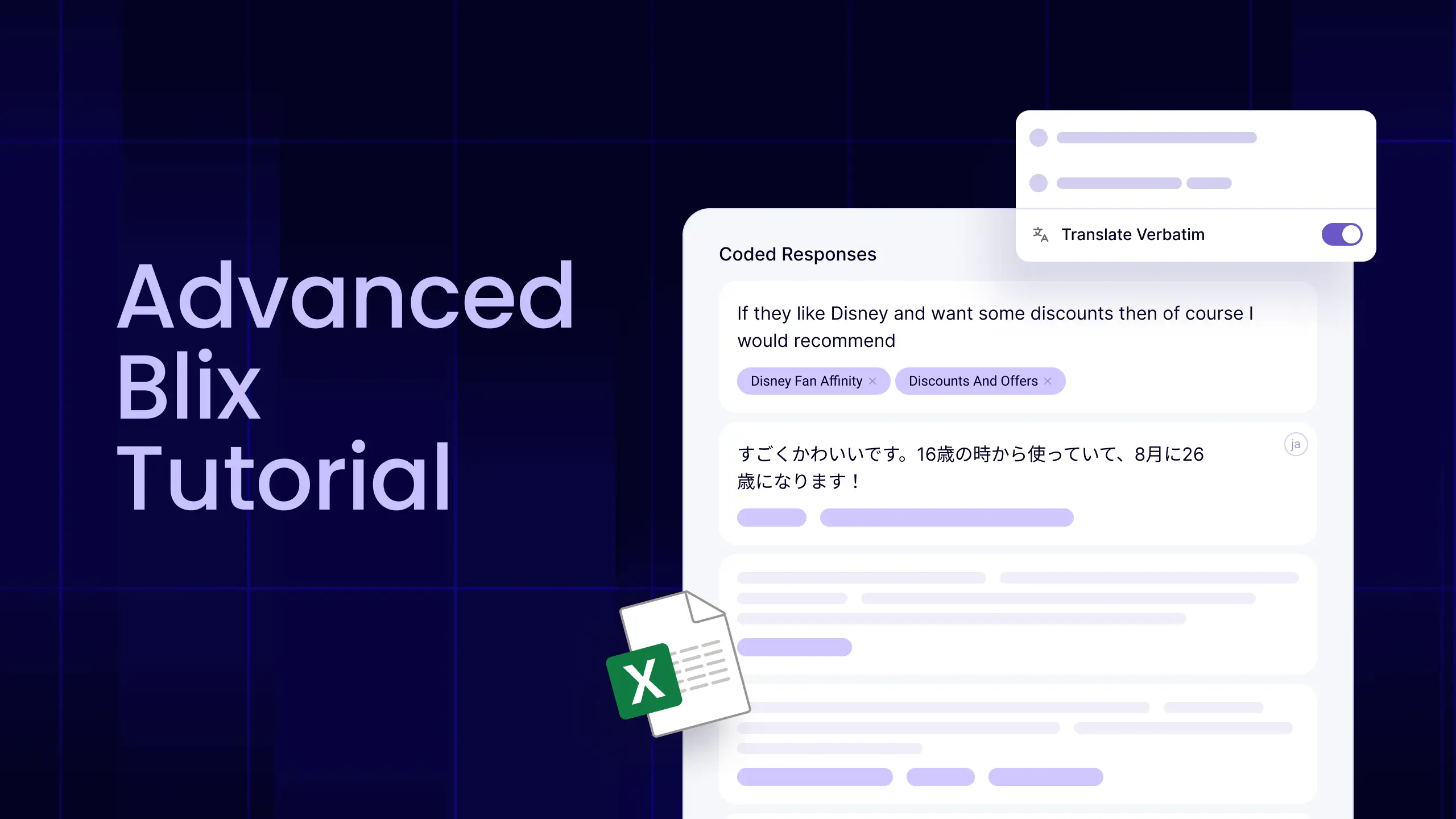
Go beyond the core workflow and learn you to manage longitudinal studies, refine your analysis with manual adjustments, reuse code books across waves, and operate Blix like a pro.
You can upload survey data in a tabular format, where each column represents a variable and each row represents a respondent. The file can include respondent IDs, demographic variables, closed-ended questions, and open-ended questions for analysis. Supported formats include Excel, CSV, and SPSS (.sav) files.
Yes. You can include closed-ended data in your file, and it will be available for filtering and segmentation within the platform. It will also be included in the final Excel or SPSS export.
Yes. You can include multiple open-ended questions as separate columns in your file, and each one will be analyzed as a separate question within the same project.
Open-Ended Analysis is designed to identify themes and topics in responses. Brand Awareness is optimized to detect and categorize entity names such as brands, people, cities, and similar mentions.
Yes. The platform supports almost any language, including datasets that contain multiple languages. You can upload mixed-language data, and Blix will code responses across languages without requiring translation.
Blix performs coding based on the original language of each response. You can optionally enable translation so that you and your stakeholders can read and review the results in a single language.
No. Only rows that contain actual responses are counted toward credits. For example, if a column contains 50 rows but only 25 include responses, only 25 credits will be used.
You can upload an existing codebook by selecting "Load Themes" on the question screen and uploading your file. A previously downloaded Blix codebook can be used as a reference template.
Yes. You should keep the same columns and column names as in the codebook files downloaded from the platform. To add new codes, add a new row with the code name and optionally an ID and instructions. To remove codes, delete the relevant row. To merge codes, remove one row and update the other. To correct spelling, edit the text directly. To adjust the logic or scope of a code, update the instructions column using free text.
Save hours of manual work with AI powered open ends coding, with human-level quality and zero manual work.
Turn qualitative feedback into data and insights in minutes, with a few clicks.
Blix is trusted by top brands and market research firms worldwide: